Work gets scattered
Tasks, notes, links, files, and decisions often split across chats, spreadsheets, and separate tools.
Forge helps organize workspaces, projects, tasks, notes, secure records, reports, issues, updates, and personal progress in one workspace.
Forge is built for the parts of workspace and project work that need to stay connected: execution, context, files, secure records, and progress.
Tasks, notes, links, files, and decisions often split across chats, spreadsheets, and separate tools.
When a project comes back weeks later, it is hard to recover what changed, who owns what, and what matters next.
Reports, issues, updates, secure records, and day-to-day execution usually sit in disconnected places.
Start at the workspace level, then move through projects, tasks, notes, vault records, reports, issues, and updates.
Open the workspace context.
Group delivery work and updates.
Move work through clear statuses.
Keep decisions and files nearby.
Separate sensitive records from normal notes.
Track health, feedback, and releases.
Each part of Forge is meant to reduce context switching, not create another place you have to maintain.
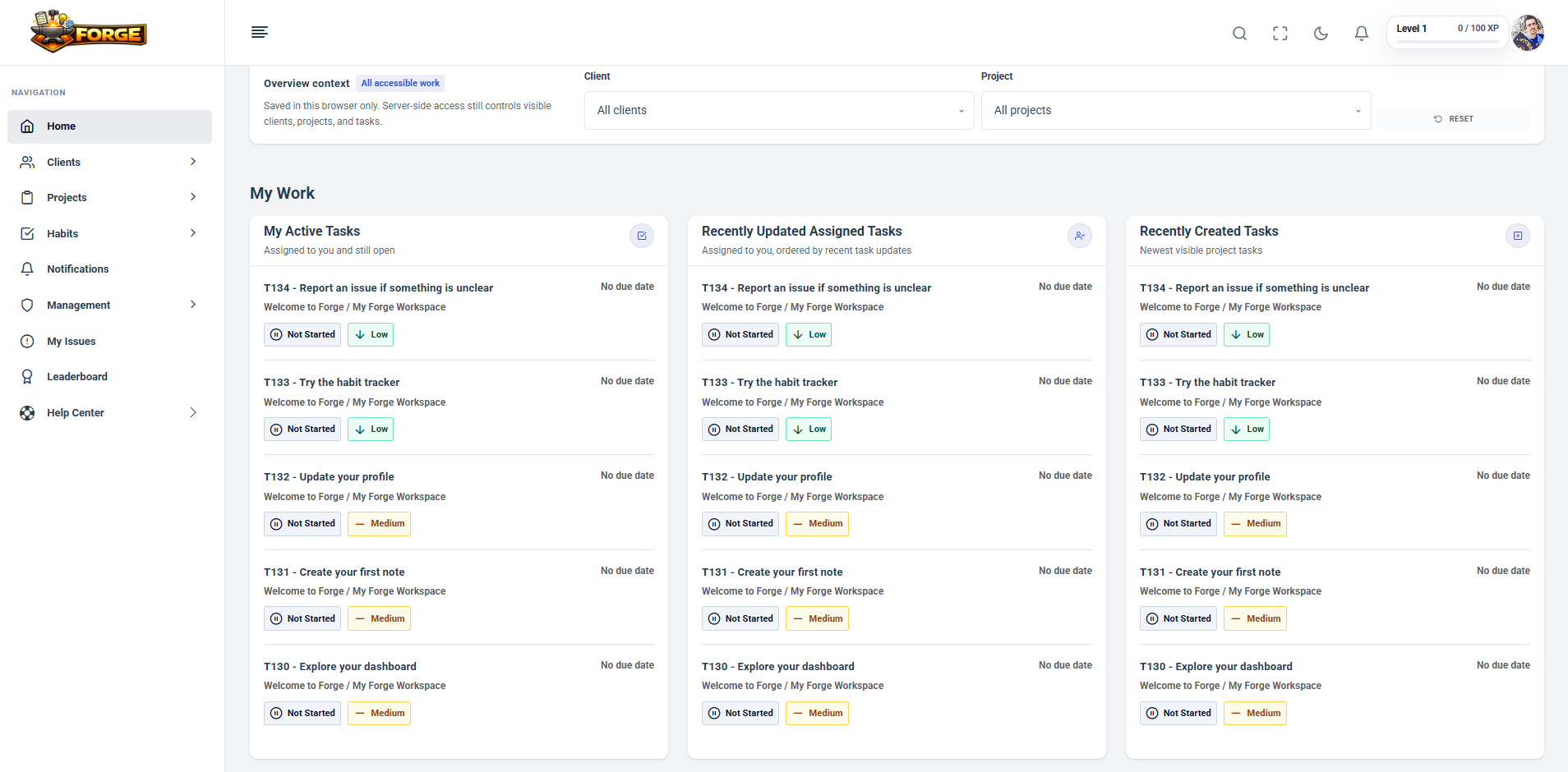
See today's work, active tasks, due soon and overdue items, recent activity, and XP/progress widgets from one starting point.
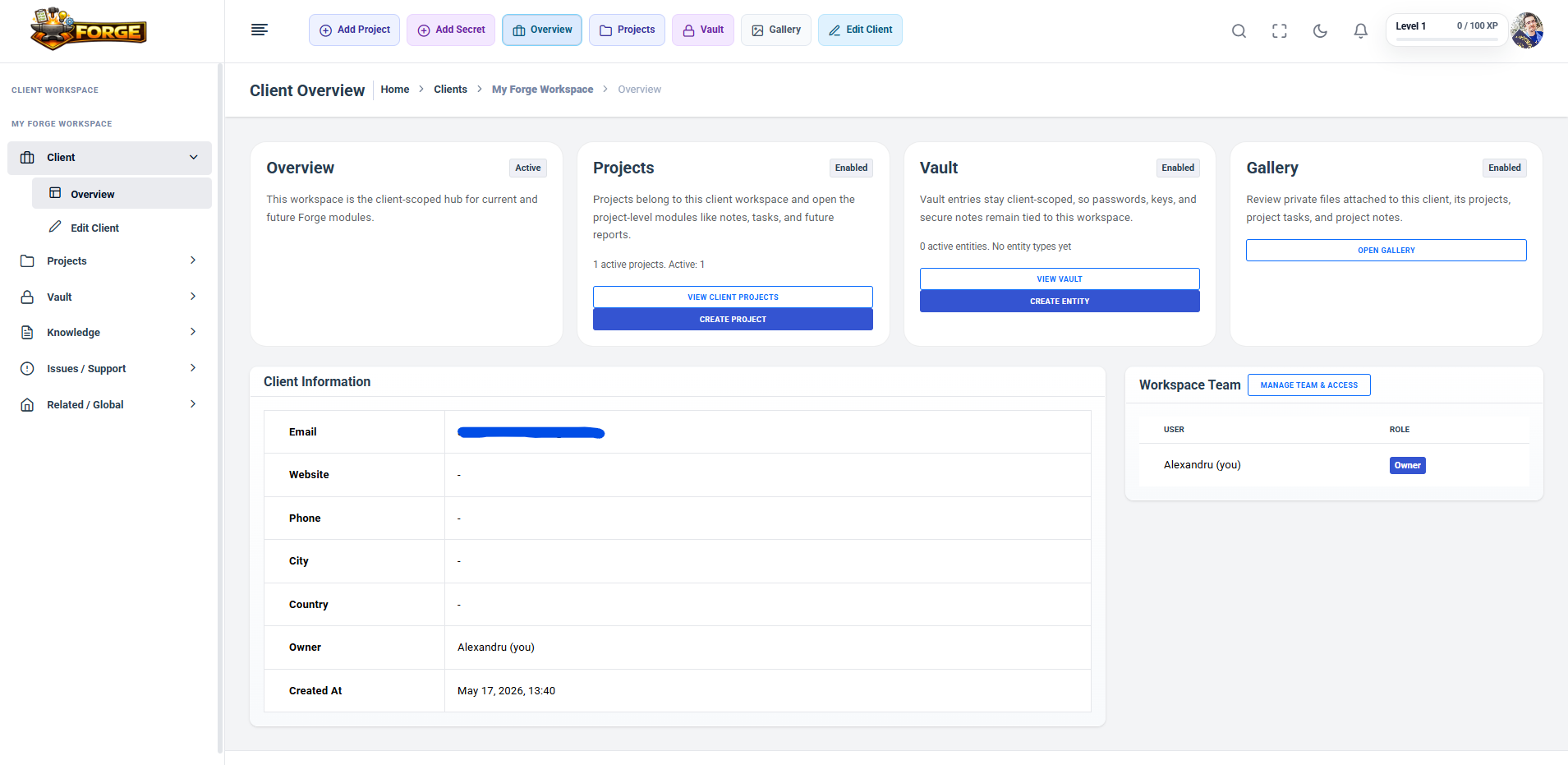
Keep workspace overview, projects, vault, gallery, workspace team, and context grouped around the workspace boundary.
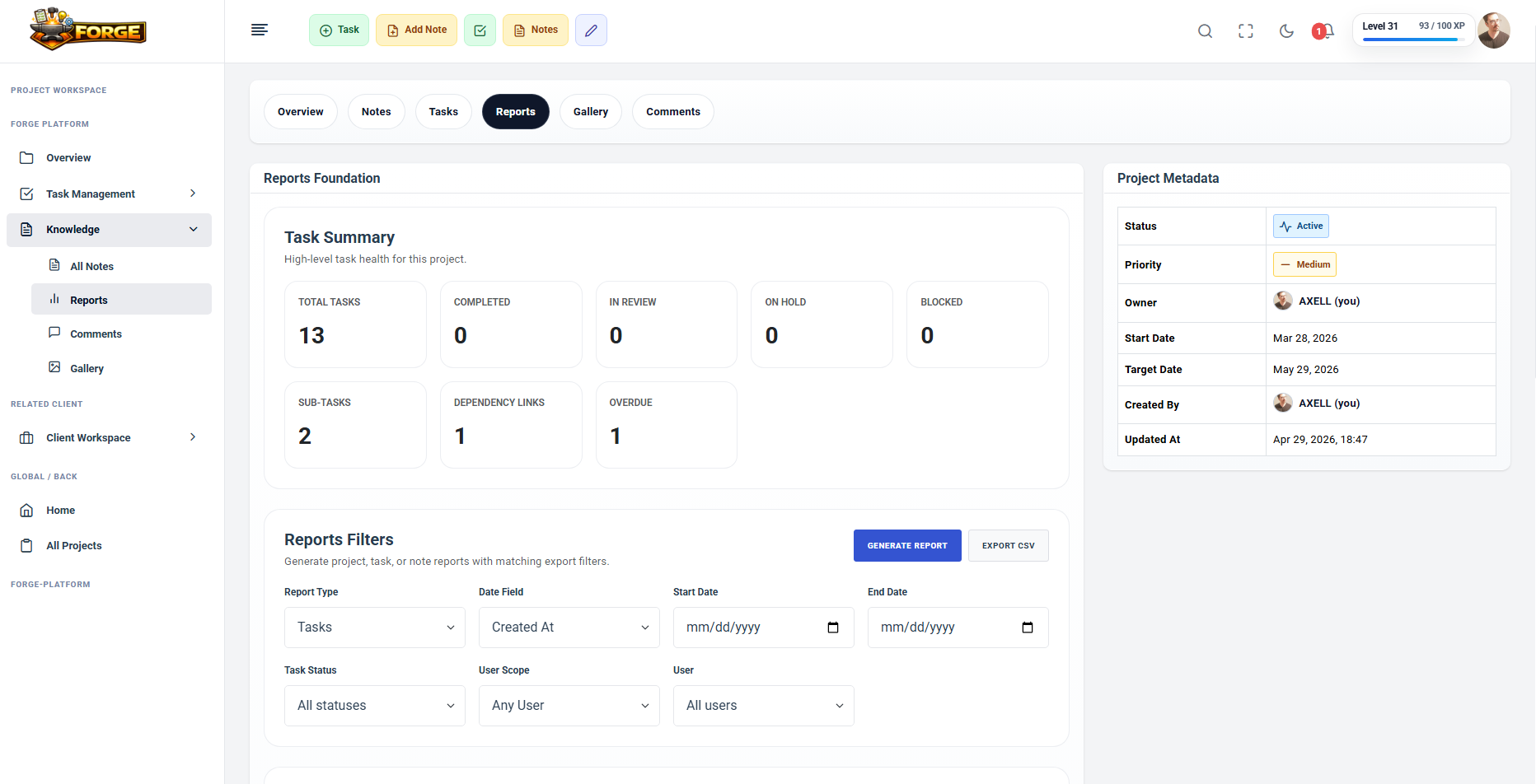
Open project overview, reports, comments, tabs, contextual actions, and delivery metadata without rebuilding context.
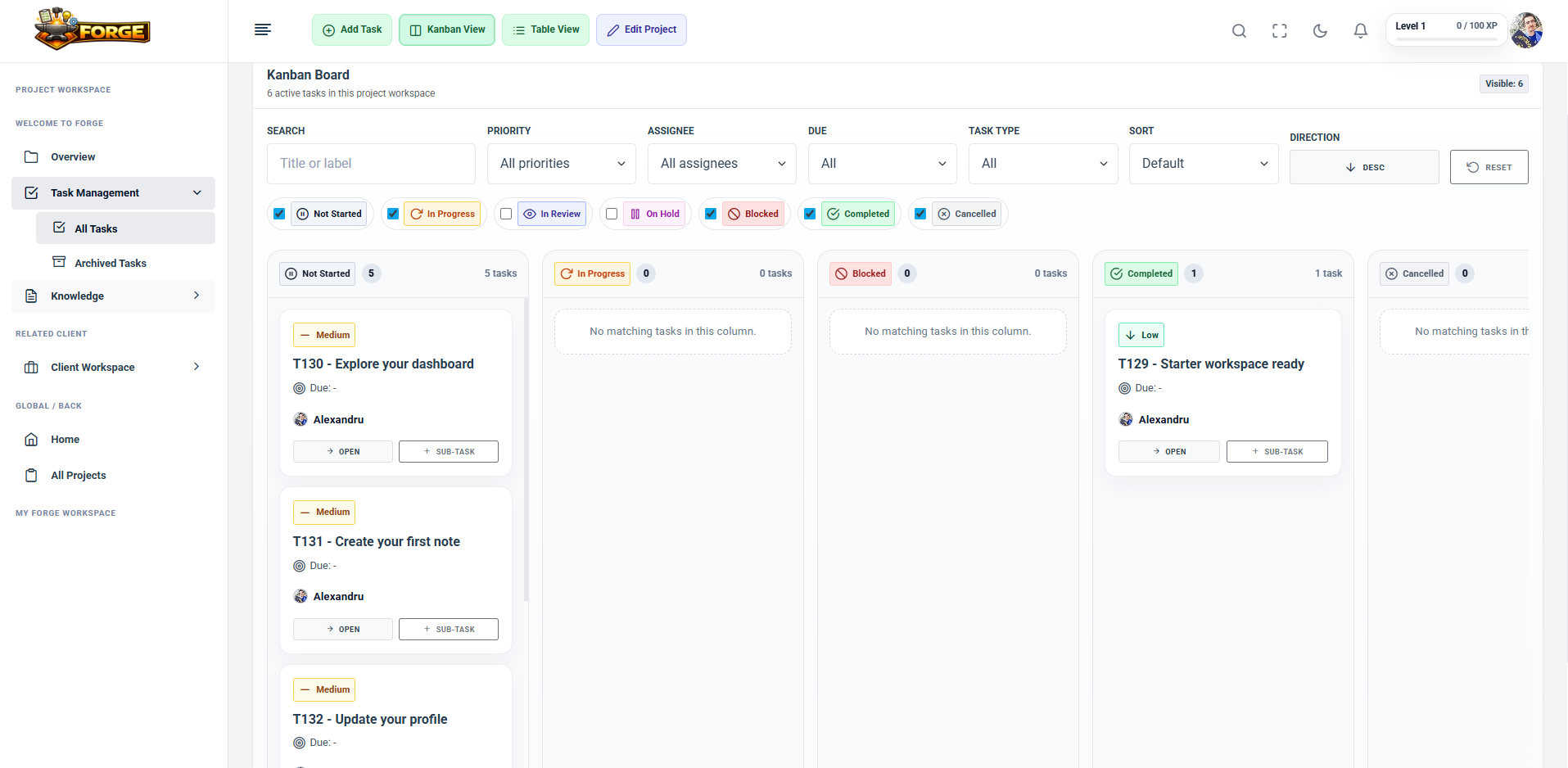
Use table and Kanban workflows with ownership, due dates, priorities, and statuses including In Progress and In Review.
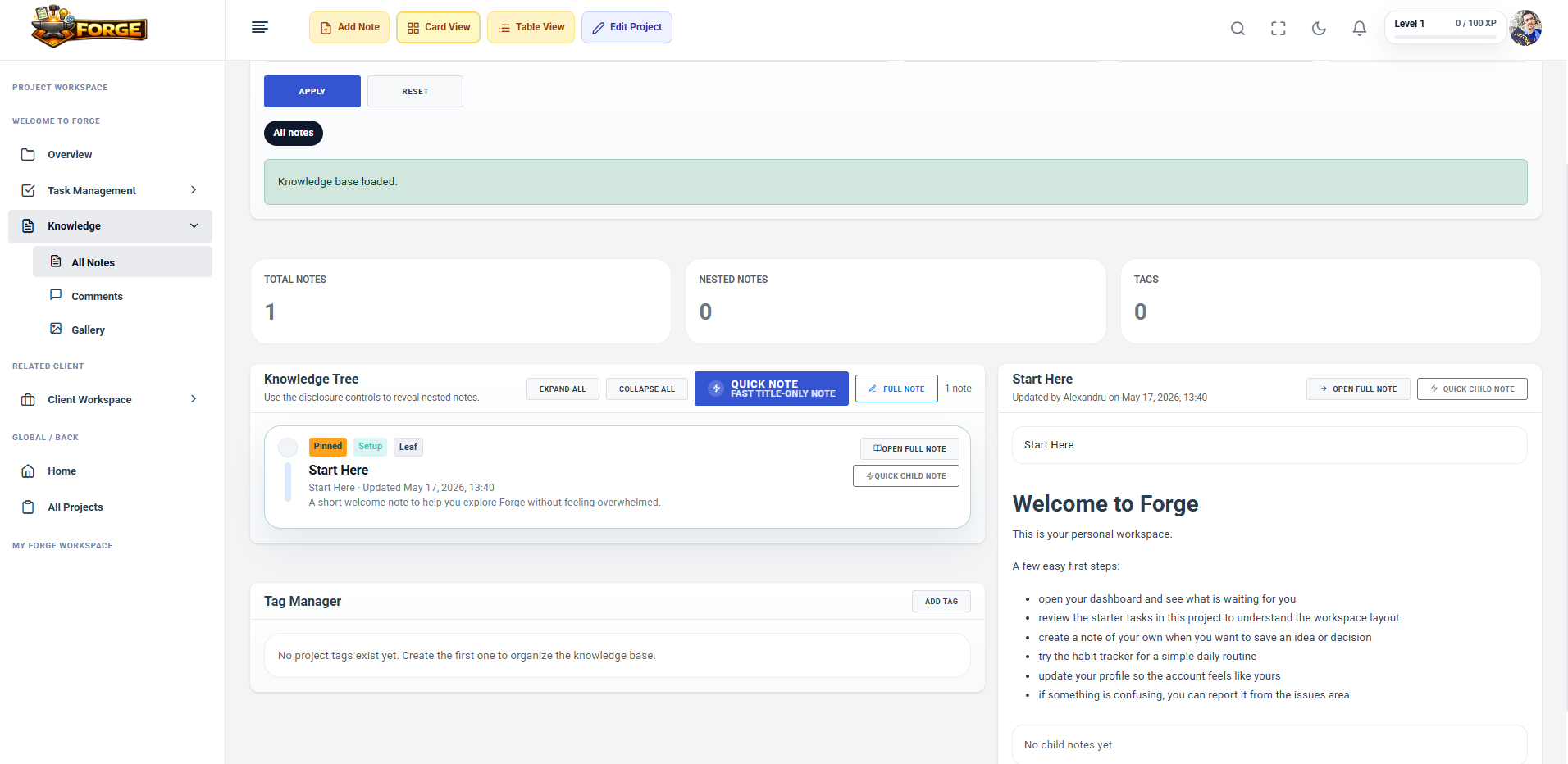
Capture decisions, references, linked context, and private attachments beside the project work they support.
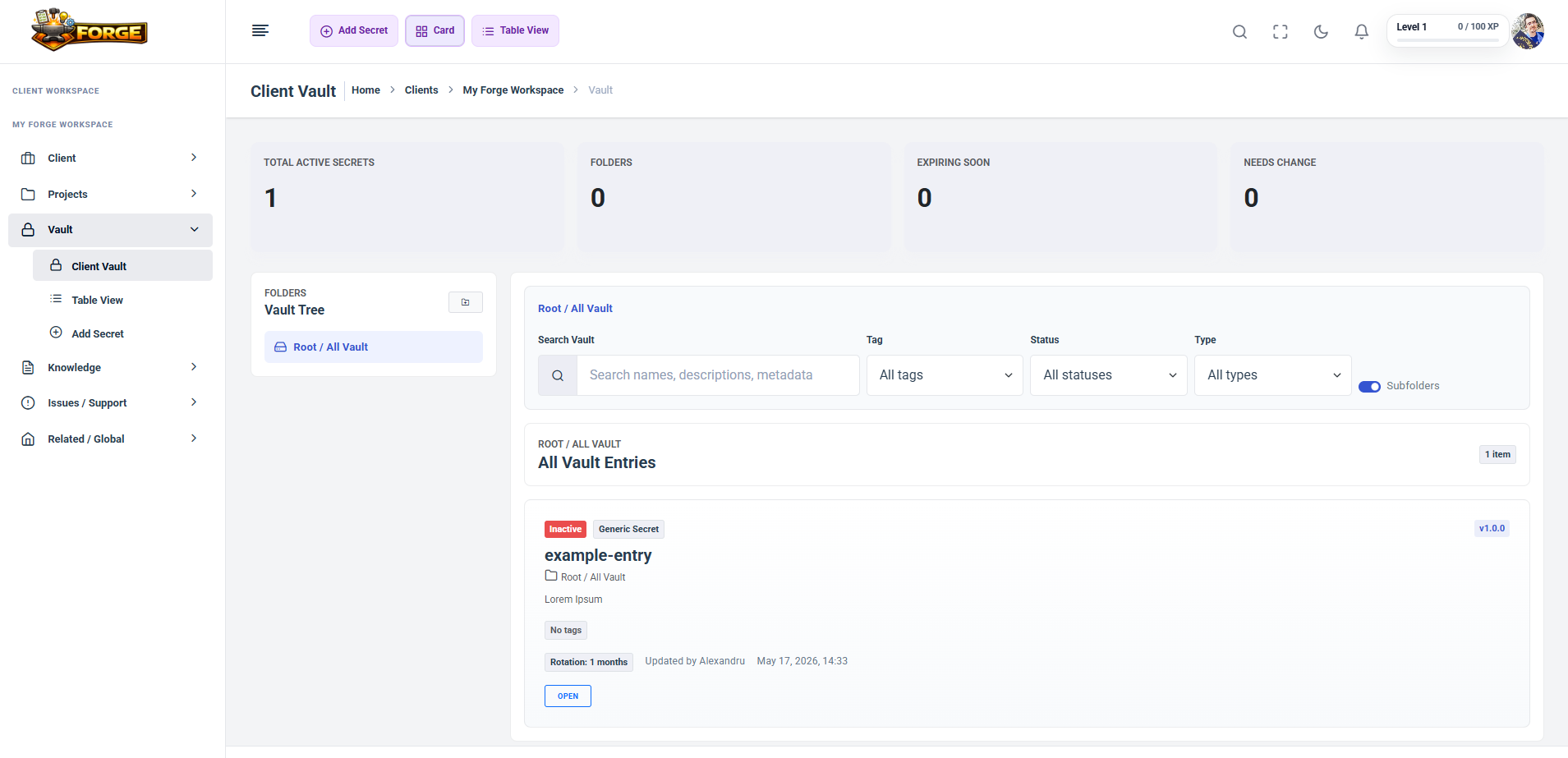
Store secure structured workspace records through Forge vault flows, separate from everyday project notes.
Review task health, project metadata, filters, and progress reporting so status is easier to explain.
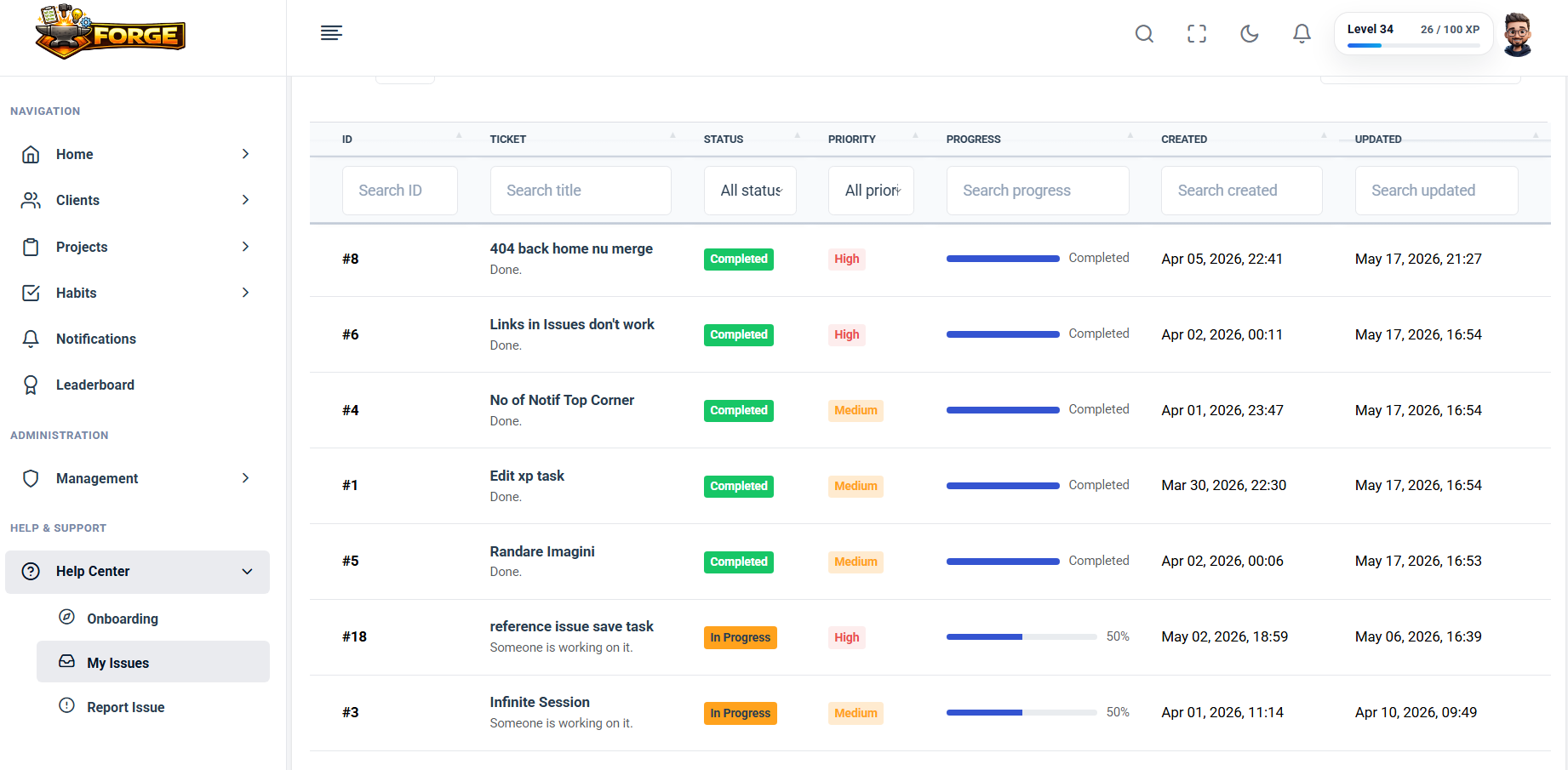
Report platform issues, follow improvement work, and read public release notes as Forge evolves.
Registration is designed to move you toward a workspace/project setup quickly, with email verification first and guided starter context when available.
Create your free early access account.
Verify your email before entering the workspace.
Open the guided starter workspace or onboarding flow when available.
Create or inspect a workspace.
Add a project and start with tasks, notes, files, and reports.
Manage several projects without losing the thread.
Keep workspace work, files, reports, and secure records together.
Get task and report visibility without digging through every project.
Use one practical place for execution, notes, issues, files, and progress.
Forge can be installed as a PWA/mobile web app on supported browsers for a more focused app-like experience.
XP, levels, habits, leaderboard/progress surfaces, and task/note reward events make daily momentum visible.
Create an account, verify your email, and start organizing a workspace or project workspace around the work you already have.